

Show up.Lock in.Learn faster.
Work on camera alongside people who are working too. Then turn whatever you're learning into flashcards, quizzes and notes with Studio.
- No card
- Camera optional
- Mics always off

Paste it. Pick it. Learn it.
Name a topic, paste in a chapter, or snap a photo of your notes or a textbook page. Studio turns it into flashcards, a quiz, study notes or a summary, and keeps them in your library. Have a go.
Your flashcards will appear here.Press the button to see what Studio makes.
Free to use with no setup. Bring your own Gemini, OpenRouter or Groq key if you want more.
A room full of people getting it done.
Some days all it takes is knowing someone else showed up too. Pick a room, say what you're working on, and go.
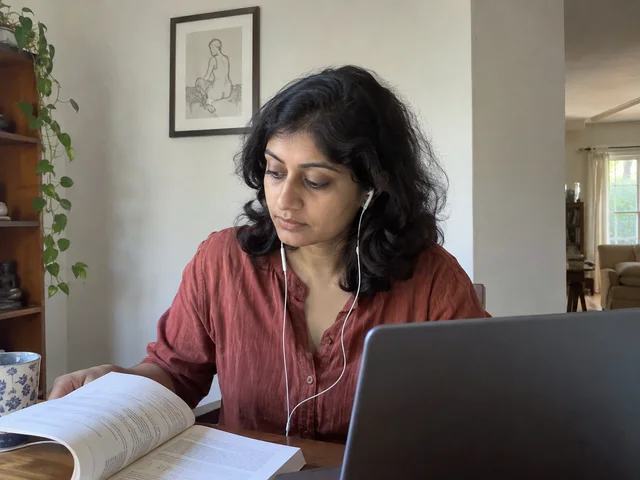 Isha · reading
 Mateo · writing
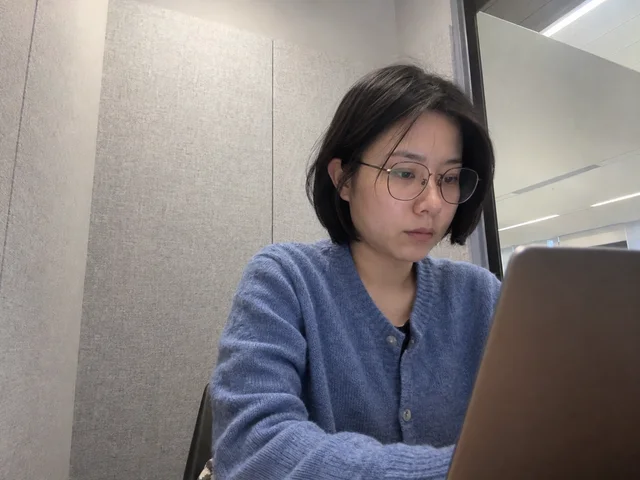 Hana · studying
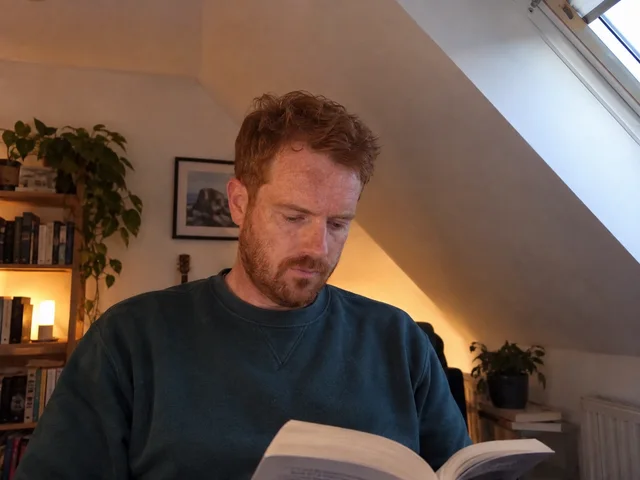 Eli · reading
Camera optional
Presence is enough. Show up however you're comfortable.
Mics always off
No chatter, no interruptions. Just the feeling of company.
Pick a rhythm
Timed blocks with breaks everyone takes together, or open rooms where you stay as long as you like.
Streaks that stick
Small sessions every day add up to something real.
Four blocks to a better day.
- 01
Pick a room
Deep work, a morning sprint, the late library. Someone's always in.
- 02
Name one thing
Write what you're moving forward today. Just one thing is plenty.
- 03
Focus together
Heads down, in good company, until the timer rings.
- 04
Lock it in
Turn what you covered into flashcards or a quiz in Studio.
Before you settle in.
A short list of rules, and we mean them. No recording anyone, ever. Nothing explicit, no harassment, no advertising. Reports are read by a person, not a queue.
Community rulesDo I need to turn my camera on?
No. Cameras are always optional. Join with it off and people see a quiet placeholder with your name.
Can I talk in a focus room?
Focus rooms are quiet, so microphones stay off. There's a text chat for hellos and break-time conversation, and reactions if you'd rather just nod at someone.
What can Studio make?
Flashcards, quizzes, study notes and summaries. Give it a topic, paste in a chapter or an article, or add photos of your handwritten notes, a textbook page or a whiteboard. Everything it makes is saved to your library to come back to.
Is Studio free?
Yes. It works straight away on Grayblock's free default AI, with a daily limit that covers everyday studying. If you want more, or a particular model, add your own free key from Gemini, OpenRouter or Groq. Keys are encrypted before they're stored.
Is Grayblock free?
Yes: free to use, every day, with no card. Focus rooms, tasks, messages, Studio and the leaderboard are all included, with no limit on your focus time.
Will anyone see my screen?
Never. Grayblock shares your camera and nothing else. There is no screen sharing and no recording.
What counts as a session?
Fifteen minutes or more. Shorter sittings still add to your focus time, but they won't add a session or keep a streak alive.
Can I use it on my phone?
Yes. Grayblock works in a phone browser, with the same rooms, the same people and Studio.
Stop studying alone.
Get it done in a room full of people, then turn it into flashcards before you forget it.